Visual Studio Project MSBuild Import Error Fix
Getting a 'Microsoft.CSharp.targets was not found' error in Visual Studio? Swap $(MSBuildToolsPath) for $(MSBuildBinPath) in your project file.

If you get this error:
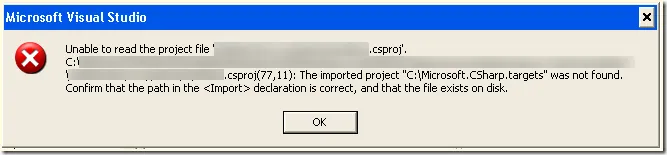
Unable to read the project File <path.to.project>.csproj.
C:\
\ \ \Project.csproj 77, 11): The imported project “C:\Microsoft.CSharp.targets’ was not Found. Confirm that the path in the declaration is correct, and that the file exists on disk.
As shown in this screen shot …
Take a look at your project file. Open it in a text editor (such as NotePad++) and look for the import statement.
Mine looked like this:

How to fix
Change the MSBuild Property $(MSBuildToolsPath) to $(MSBuildBinPath) and the project should load.
Like so:
![clip_image001[7]](/_astro/clip_image001_7__1.CdHtaKKR_Z1JPWF9.webp)