mobile
Db4o’s Java Doc/Documentation/Help in Eclipse
How to wire up db4o's Javadoc in Eclipse so hovering over an API call in your editor shows the real documentation instead of nothing.

This may be easy to remember for others (and I’m sure I’ll remember it eventually) but here is…
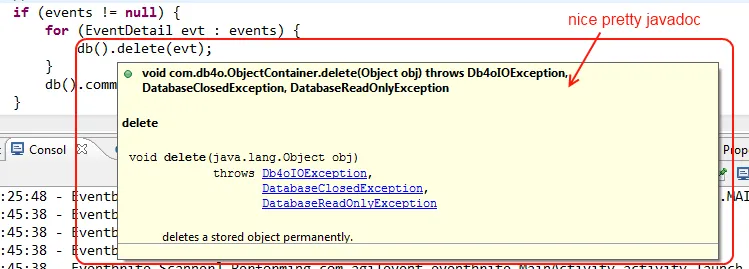
When I mouse over a call, I want the java-doc to be presented so that I can see what the api options/docs are. Just referencing the jar is not enough. Here’s what you have to do after you’ve added Db4o to your build path:
- Expand “Referenced Libraries”branchof your project in Package Explorer.
- Select db4o-* library, right-click and open “Properties”
- Select Javadoc Location in the list and browse to \doc\api folder in your db4o installation (or wherever you downloaded/extracted the db4o stuff) I place mine into c:\sdk\db4o\
Now you’ll get nice java docs in eclipse like this: