WP7 Emulator Screen Size Management
Unlike bloated Android emulators, the WP7 emulator lets you scale its window size from the settings menu so it actually fits on your screen.

I’ve been developing Android apps for awhile now and at times the emulators are SOOO big that they litterally consume the entire screen real estate and its very difficult to navigate through the enumlator. I was very surprised when I started up the WP7 emulator and started finding out how simple it was to scale the emulator to fit my screen.
All I had to do was select the settings:
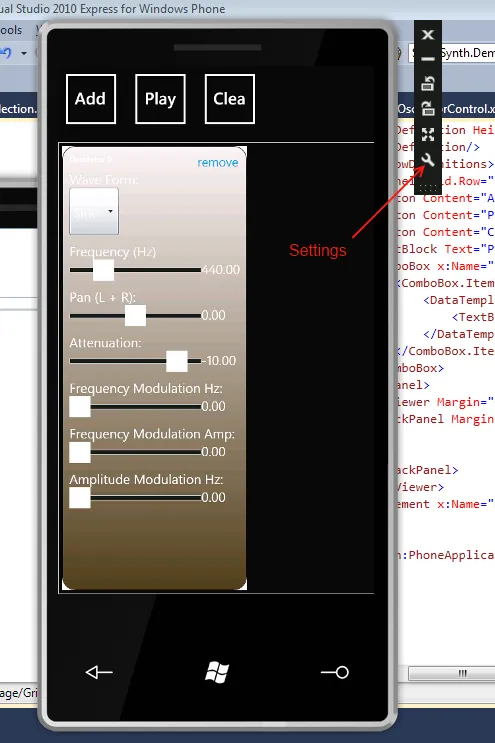
Then, select the screen size I wanted:
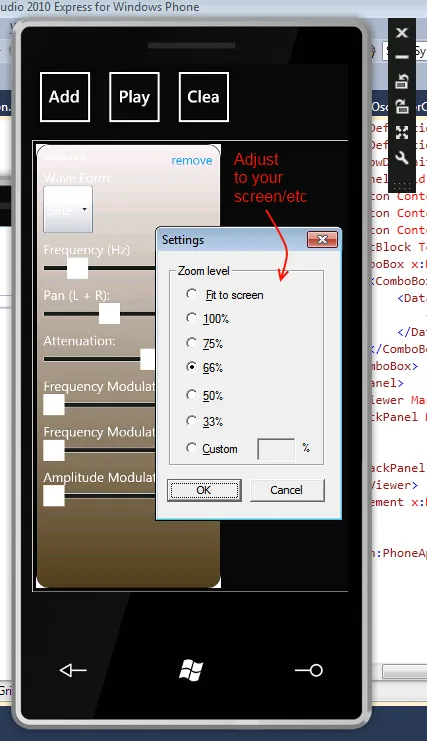
The screen could scale accordingly now.
Examples
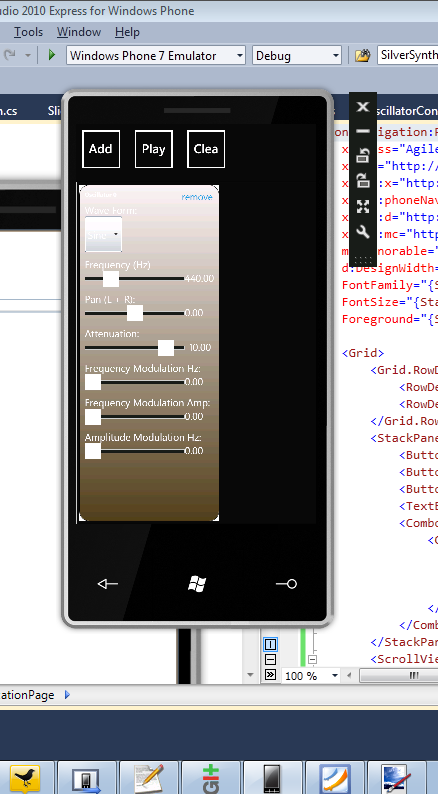
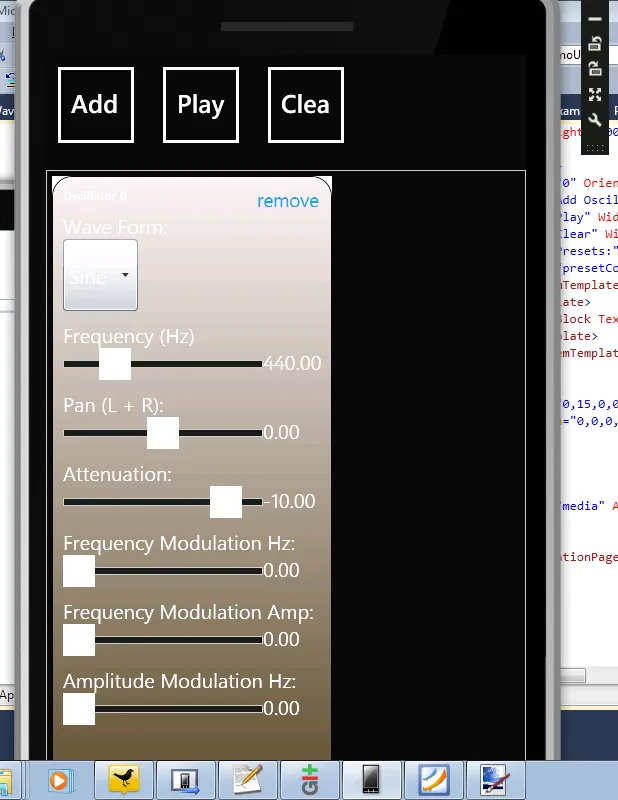
100% (Very Large) – Its so big that it falls off the screen.
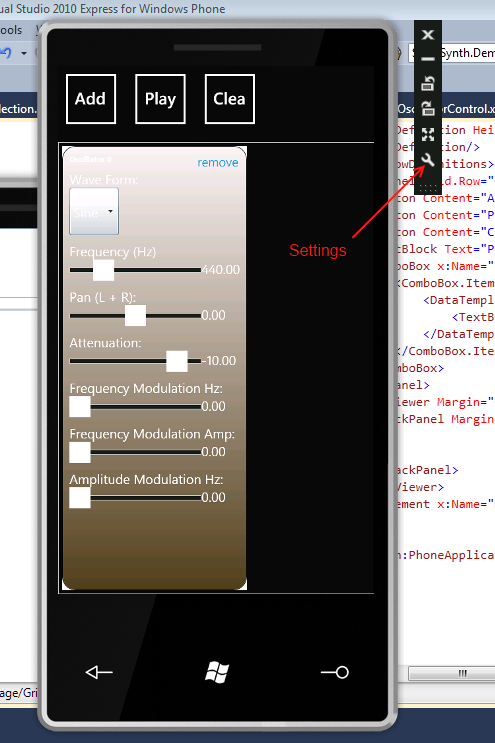
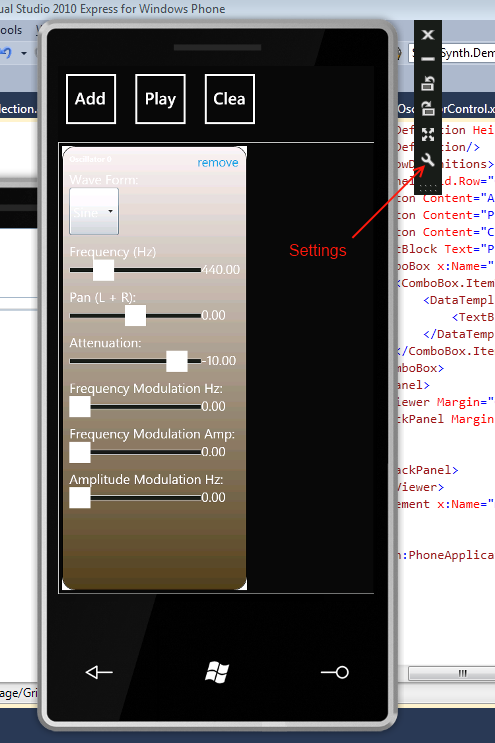
50% (Smaller), now it fits nicely, however the UI is hard to read.
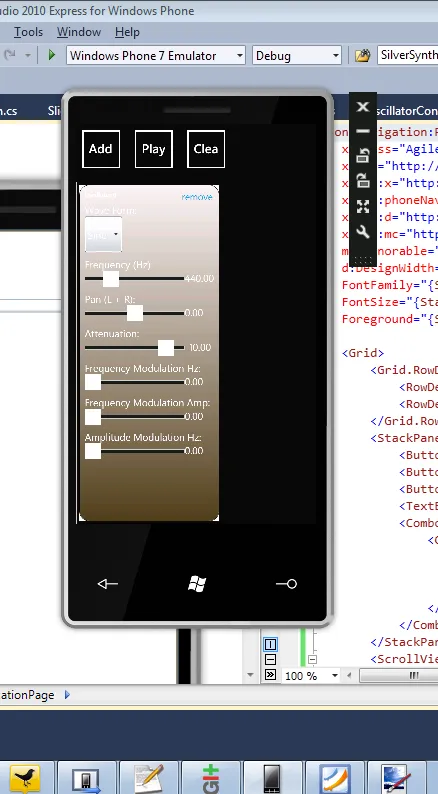
This makes life much easier when developing for a high resolution system on a non-high resoution system.