CodeSmith Screencast
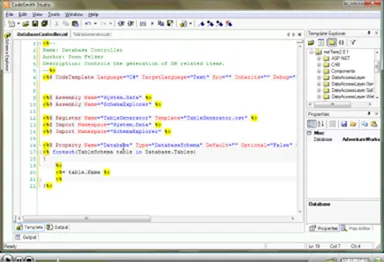
A screencast showing how to use CodeSmith to loop through a database schema and generate a text file for every table automatically.

 I recently finished a screen cast that demonstrates the use of Code Smith to create files based upon a database schema.
The Haps
In this screen cast I make a connection to the database, loop through each table in the database create a file based upon the table information. The file is exported to a directory (such as c:\temp). The files are named with the following nomenclature.
TableName.txtTherefore, if we have a table by the name of “Customers” we will have a file in the c:\temp directory with the name of “TableName.txt”.
Inside of the table file I have the names of the columns in the database.
This screen cast will introduce the Database Schema object as well as the process for registering templates and setting template properties at run time.
Click the image below or this link to view the screen cast.
Downloads